Pages
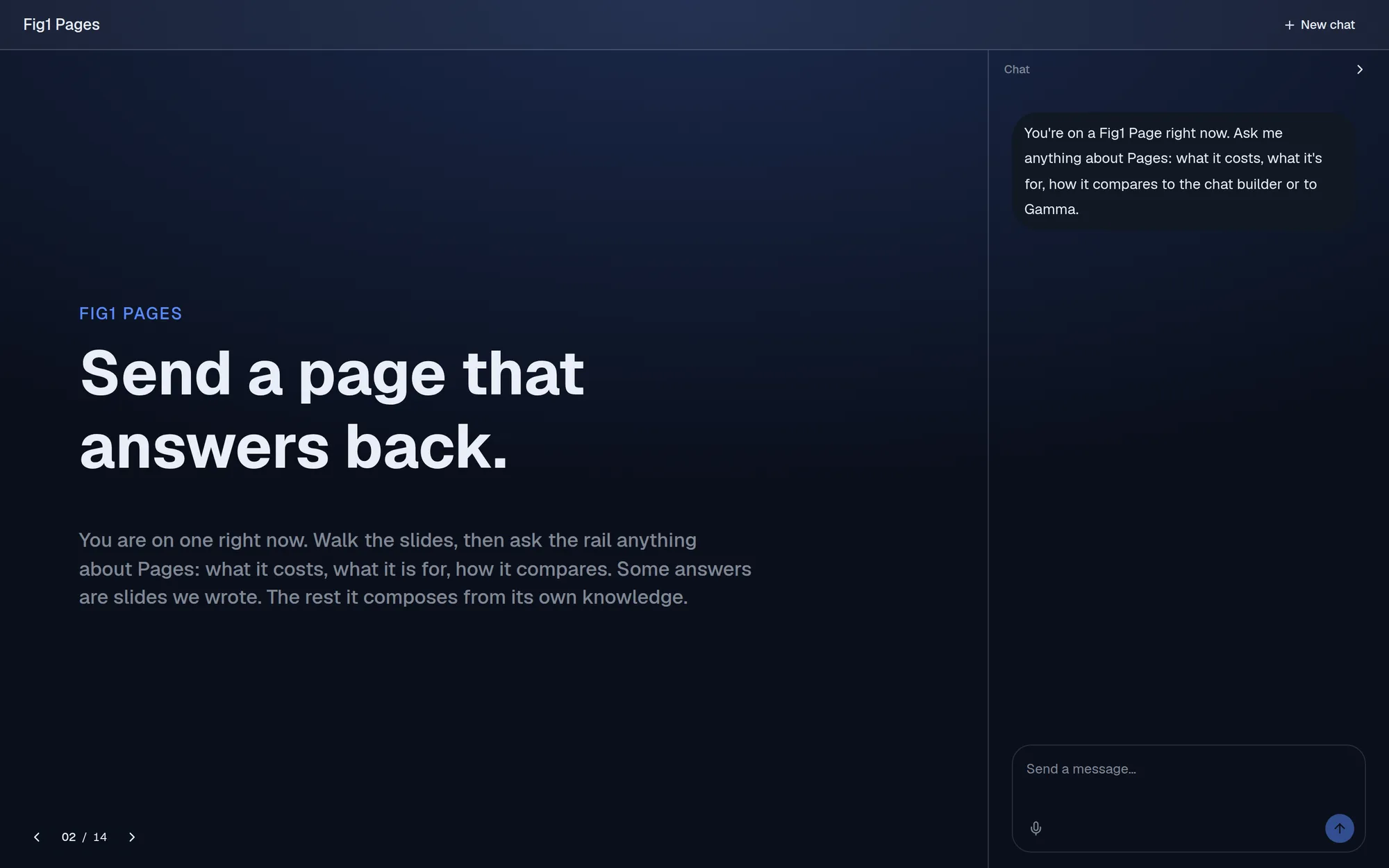
Send a page that answers back
For sales, marketing and support teams, and the agencies and franchises that work for them.
A Page works like a deck. Your team writes the answers it already gives, in your brand. When a visitor asks something the slides don't cover, the page answers from your own knowledge, in the same layout. One link you can send, and it reads well on a phone.
Why a page
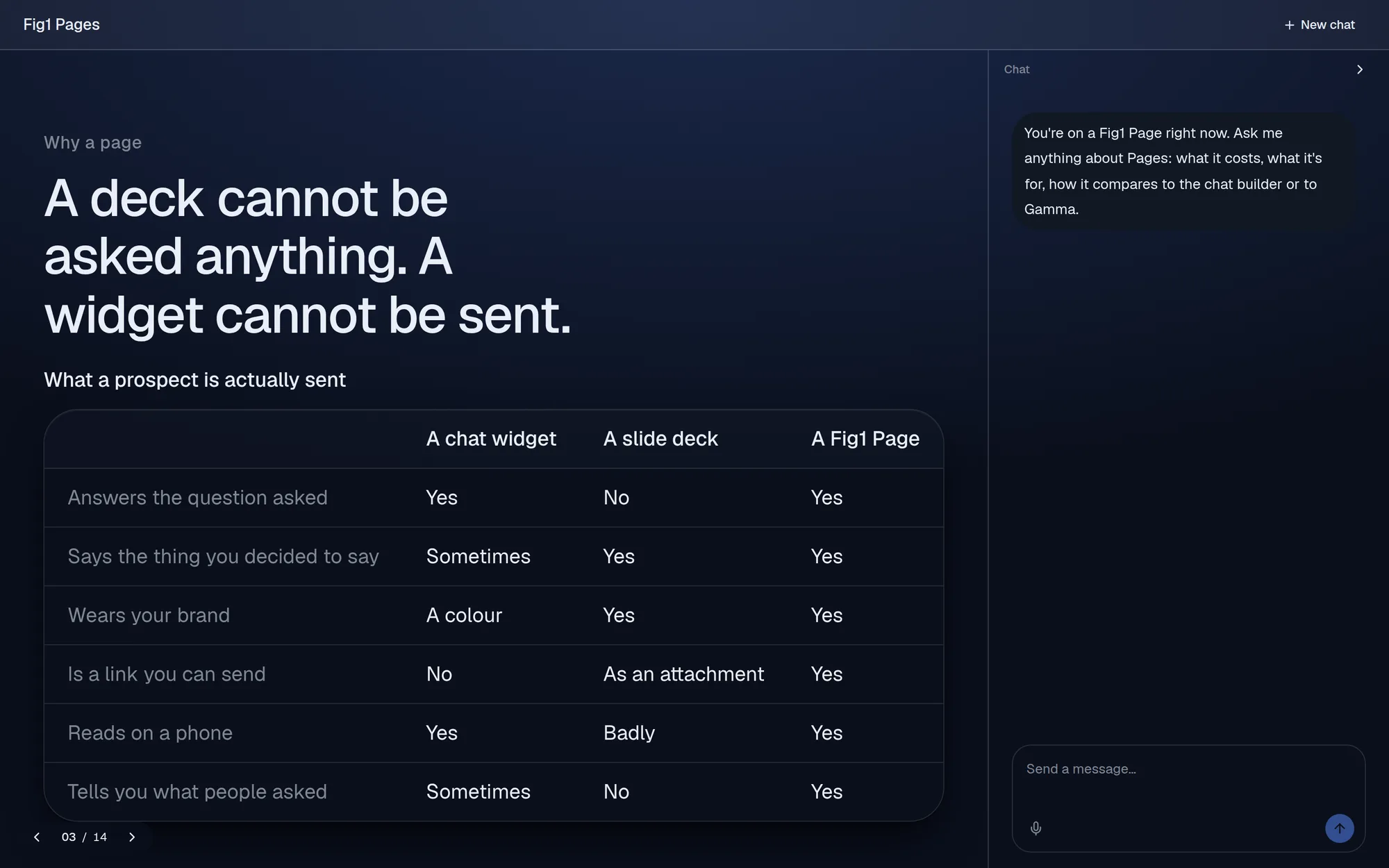
A deck can't be asked anything. A widget can't be sent.
So much of a sales conversation happens twice: once in a deck nobody can question, and again in an email thread nobody signed off. A Page does both jobs. It says exactly what you decided to say, and it answers the question in front of it.
How it answers
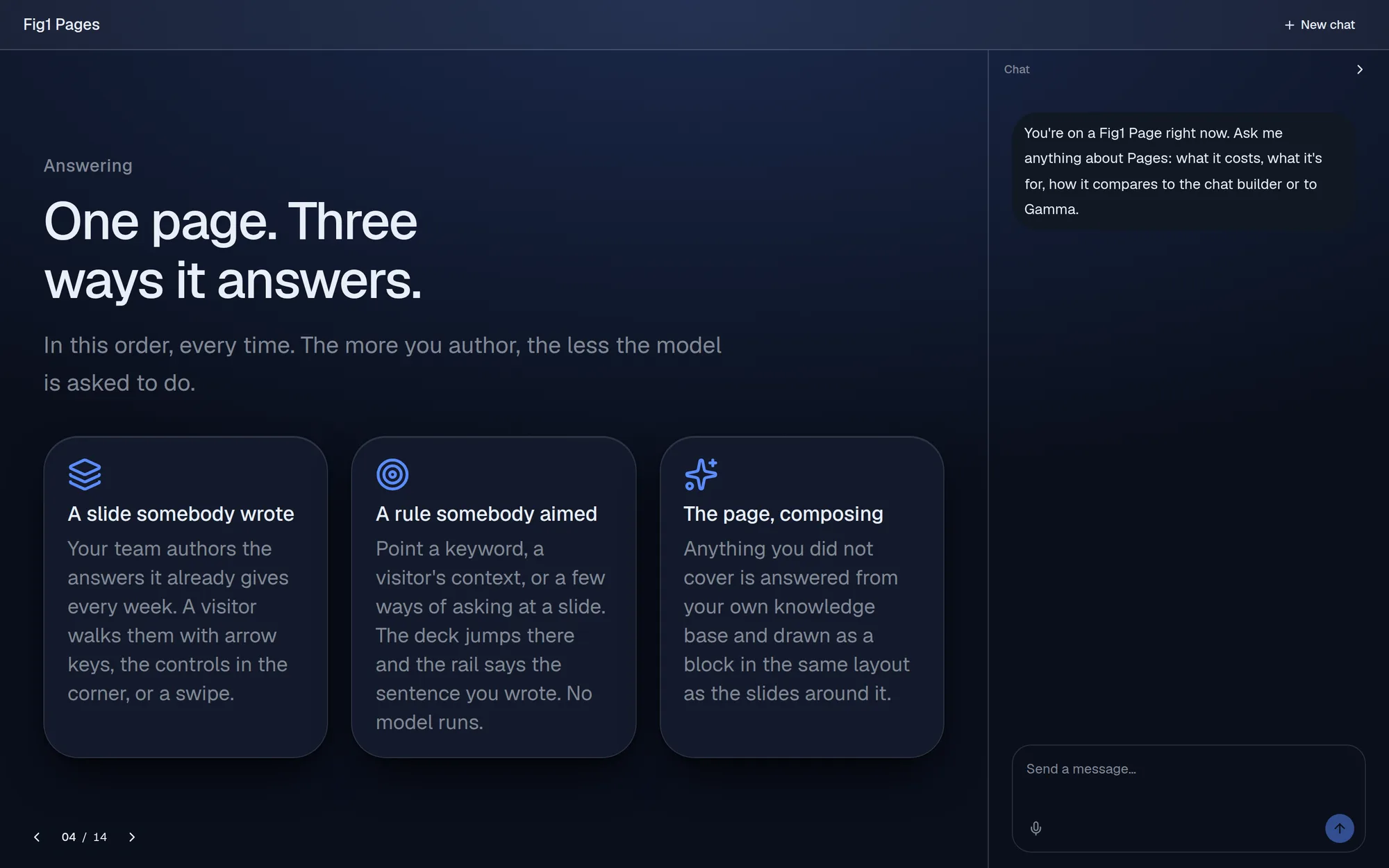
One page, three ways to answer
A slide your team wrote. Visitors walk your slides with arrow keys, the controls in the corner, or a swipe.
A rule your team aimed. Point a keyword or a visitor's context at a slide, and predictable questions jump straight to your answer.
The page composing. Anything else is answered from your own knowledge, drawn as a block in the same layout as the slides around it. When it doesn't know, it says so and logs the question.
Ask it anything
Questions open the slide that answers them
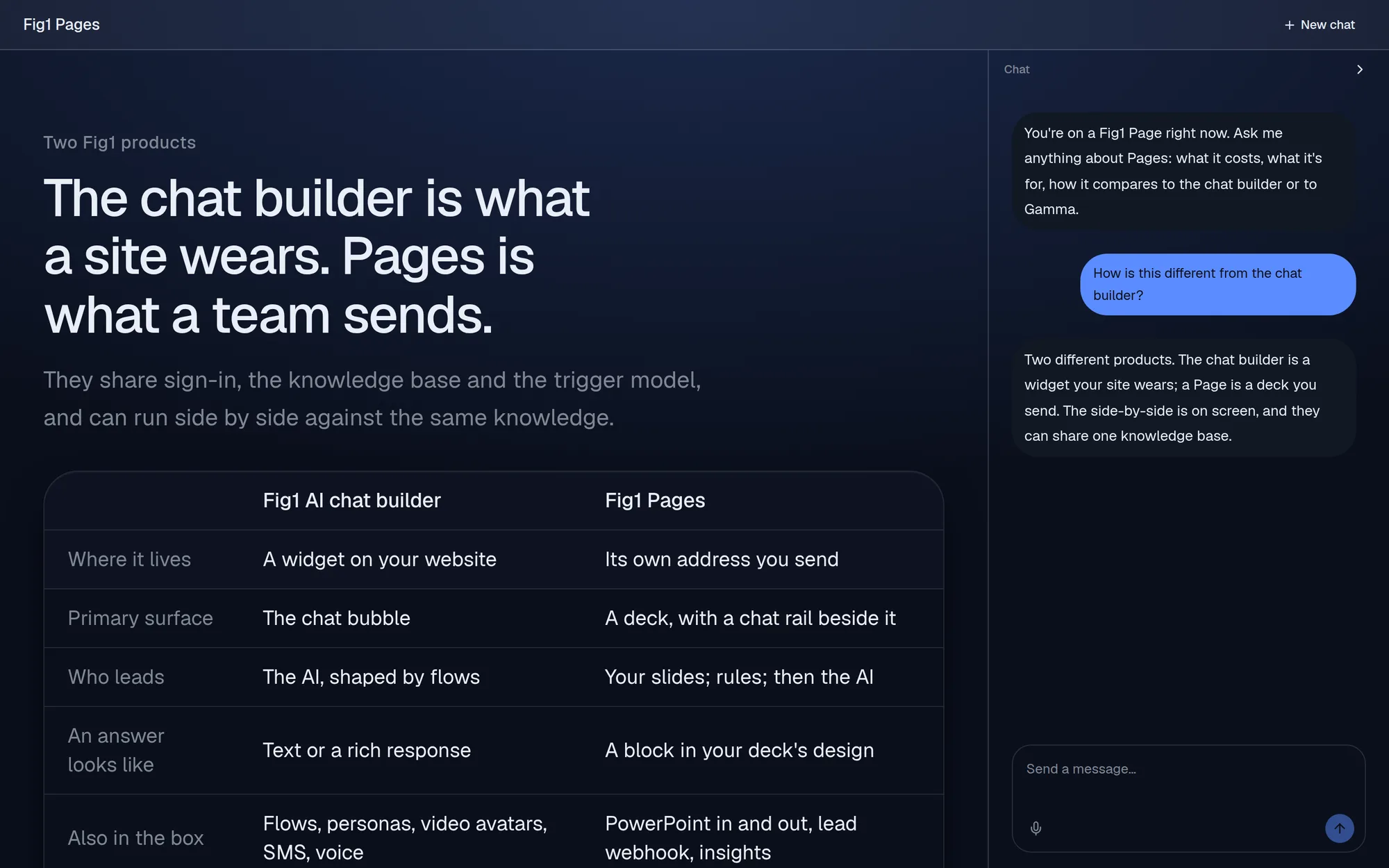
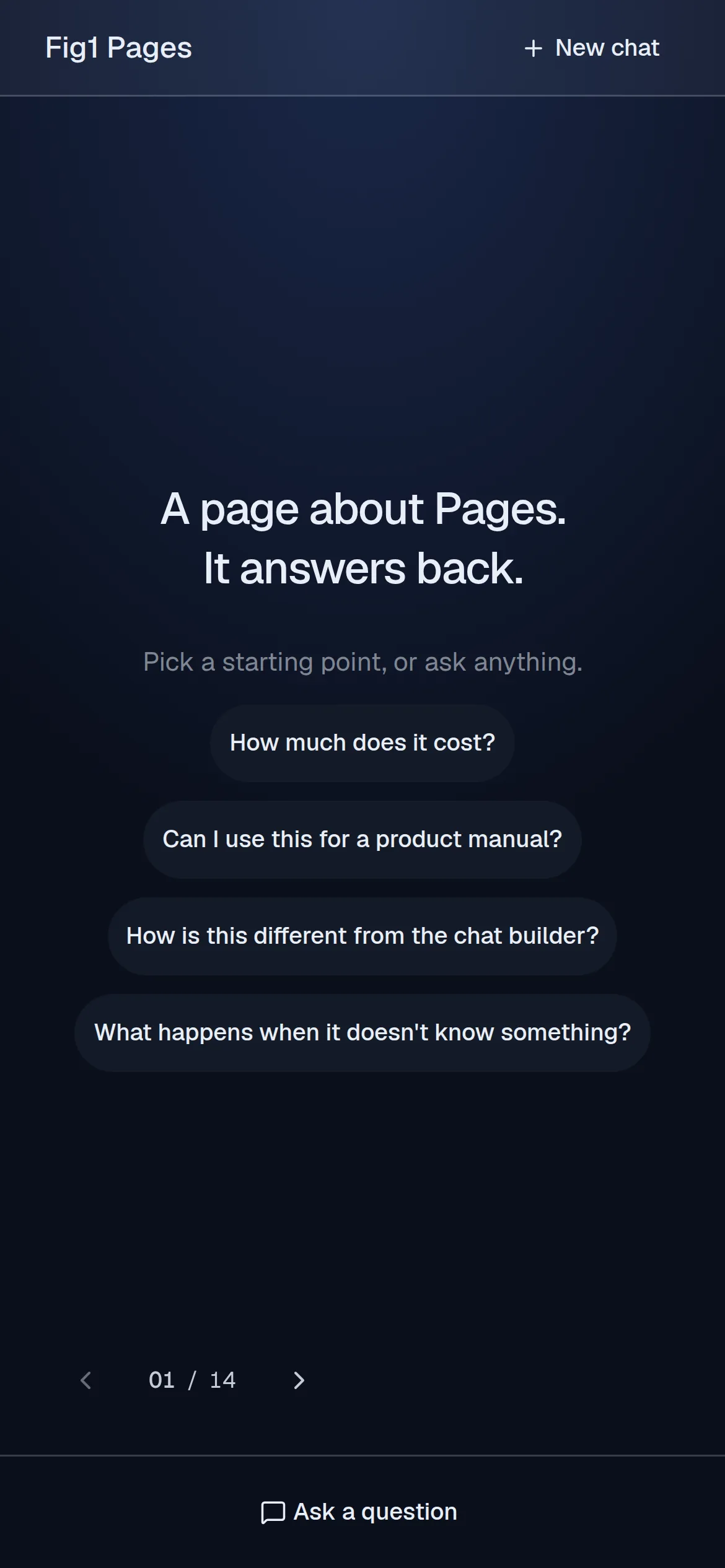
A visitor types a question in the rail. The page answers in a sentence or two and opens the slide with the detail, so the conversation and the deck stay in step.
This is a real Page answering a real question. Open the live Page and try your own.
On any screen
Most links get opened on a phone. Pages reads well there.
Slides fit the screen, a swipe moves through the deck, and the chat is one tap away. No PDF to pinch and zoom.
Built in: FigBot™
FigBot, the AI concierge built into every Fig1 AI product, writes and designs slides in your brand and reworks them when you ask. You review the result and publish when it's right.
One page per audience, not one per company
Teams use Pages wherever they send the same answers again and again.
Sales decks and proposals
Send a link instead of a PDF. A prospect asks about pricing and gets the table you wrote, and you see which objection keeps coming up.
Presentations and leave-behinds
Present from it, then send the same address afterward. It keeps answering the questions the room didn't get to ask.
Manuals and product guides
Upload the manual as knowledge and put the top questions on slides. It answers from the manual and won't invent steps.
Campaign pages
One page per ad or launch, with rules that open the right slide for the visitor who arrives from each ad.
Members, trade and events
A wine club page, a wholesale page, a weddings page: the first questions of every enquiry, answered without a person.
Agencies and franchises
One account with a workspace per client or location, each with its own knowledge. One client's content never reaches another's page.
Also in the box
PowerPoint in and out
Bring an existing deck in, or export a Page as PowerPoint when someone asks for a file.
Leads to your CRM
Visitors can leave their details on the page, and a webhook sends each lead where your team works.
Insights
See what people ask your pages, and which questions went unanswered.
Your own domain
Publish pages at your own address instead of ours.
Questions buyers ask
- What is Pages?
- Pages turns a presentation into a link. It reads like a deck, with slides your team writes in your brand, and a chat beside the slides answers visitors' questions from your own knowledge, in the same layout.
- How is a Page different from a slide deck or a PDF?
- A deck cannot be asked anything. A Page answers the question in front of it and opens the slide with the detail, reads well on a phone, and is one link you can update at any time.
- What happens when a Page does not know the answer?
- It says it does not have one instead of inventing an answer, and it logs the question so you can see what went unanswered.
- Can I use my existing PowerPoint decks?
- Yes. Pages brings PowerPoint in and can export a Page as PowerPoint when someone asks for a file.
- Can a Page capture leads?
- Yes. Visitors can leave their details on the page, and a webhook sends each lead to where your team works.
- How do I get access to Pages?
- Pages is invite-only for now. Request access and we will set up your team.
See it answer for yourself
Open a live Page and ask it anything, or ask us for access for your team.